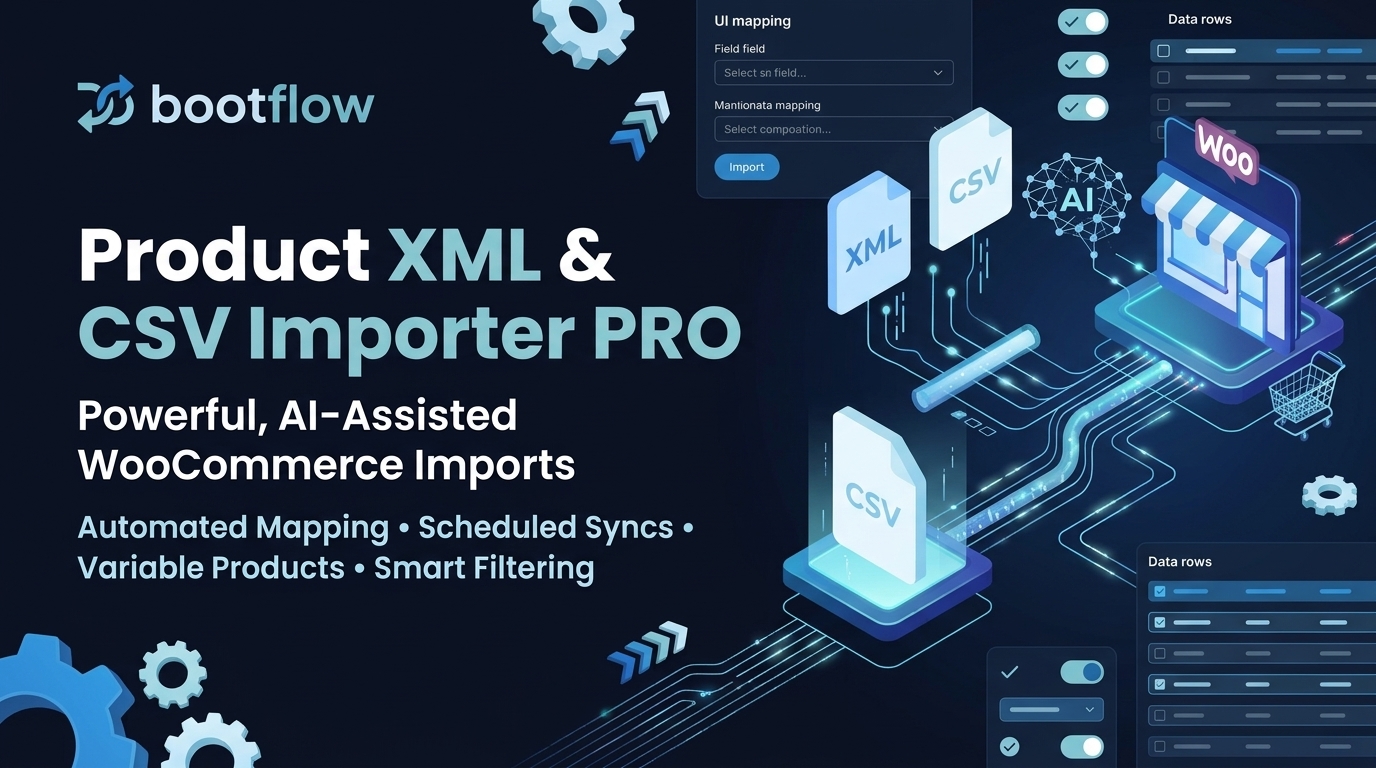
Bootflow WooCommerce Product Importer with AI
49,00 €Lifetime Updates • Unlimited Imports
Description
Bootflow – Product XML & CSV Importer PRO
Description
Bootflow – Product XML & CSV Importer is a professional product import tool for WooCommerce by Bootflow.
The Pro version adds automation, selective updates, and optional AI-assisted data processing.
Pro Version
- Import products from XML and CSV files
- Manual field mapping with full control
- Support for simple and variable products
- Attributes and variations handling
- Update existing products matched by SKU
- Skip unchanged products to reduce import time
- Unlimited number of products
- Local file uploads
- Import from remote XML and CSV URLs
- Automatic field mapping suggestions
- Scheduled imports using WP-Cron
- Selective field updates (e.g. price and stock only)
- Advanced update rules and conditions
- Reusable import templates
- Detailed import logs and error reporting
- AI-assisted field mapping and data transformation
- AI-powered translation of product content
- Custom AI prompts per field
- Priority support
The Pro version focuses on automation, control, and saving time when working with large or frequently updated product feeds.
AI features are optional and require user-provided API keys.
No data is sent to external services unless explicitly enabled by the user.
Installation
Upload the bootflow-product-importer-pro folder to the /wp-content/plugins/ directory, or upload the provided .zip file via Plugins > Add New > Upload Plugin.
Activate Bootflow – Product XML & CSV Importer PRO through the ‘Plugins’ screen in WordPress.
If you have the free version installed, it is recommended to deactivate it to avoid menu duplication.
Frequently Asked Questions
What file formats are supported?
XML and CSV files are fully supported for both local uploads and remote URL imports.
Is there a product limit?
No. Bootflow PRO does not impose any artificial limits on the number of products you can import or update.
Can I update existing products?
Yes. Products are matched by SKU, and the PRO version allows you to selectively update specific fields, such as price or stock levels, while leaving other data untouched.
How do the AI features work?
AI features are optional and designed to help with field mapping and data transformation. You can use custom AI prompts per field to rewrite or translate product content exactly as needed.
Is my data sent to external servers?
Data is only sent to AI services if you explicitly enable AI features and provide your own API keys. Otherwise, all processing stays on your server.
Are variable products supported?
Yes. Variable products, including all attributes and variations, are fully supported.
Can I automate my imports?
Yes. The PRO version includes scheduled imports using WP-Cron or Server Cron, allowing you to automatically sync your store with remote XML or CSV feeds.
Should I choose WP-Cron or Server Cron?
- WP-Cron: Easy setup with no configuration required, but relies on website traffic and can be slower or delayed on low-traffic sites.
- Server Cron: Requires adding a cron job on your hosting server (cPanel/CLI), but delivers maximum import speed, runs continuously in the background, and never stalls.
Requirements
WooCommerce Compatibility
- WooCommerce 6.0 or higher required
- Tested up to WooCommerce 9.0
- Compatible with WooCommerce HPOS (High-Performance Order Storage)
Screenshots
1. Step 1: Upload File & Method
Flexible Uploads: Choose between local file uploads (drag & drop) or remote URL/FTP imports for live data feeds.
Auto-detection: Automatically detects file types (XML/CSV) and allows custom XML root element definition.
Automation Ready: Set up “Manual Import Only” or schedule recurring updates right from the start.
2. Import Behavior & Templates
Smart Sync: Options to update existing products by SKU or skip unchanged products to save server resources.
Mapping Templates: Save your complex field configurations as templates to reuse them for future imports.
AI Auto-Mapping: One-click AI tool to automatically match your file columns with WooCommerce product fields.
3. AI-Powered Processing
Custom AI Prompts: Use OpenAI GPT to transform any data field. For example, translate descriptions into Spanish or any other language on the fly.
Live Preview: See the AI results in real-time before starting the full import process.
PHP Formulas: For advanced users, manipulate data using custom PHP logic (e.g., price calculations or text concatenation).
4. Advanced Product Support
Variable Products: Comprehensive support for complex product structures, including attributes and variations.
CSV Grouping: Easily link variations to parent products using Parent SKU and Type column mapping.
Attribute Management: Map any number of custom attributes (Color, Size, Material) directly from your source file columns.
5. Real-time Import Progress
Performance Metrics: Monitor import speed (products per minute), success rate, and estimated time remaining.
Detailed Logs: Access granular logs for every imported item to quickly identify and fix any data errors.
Background Processing: Once started, imports can run in the background via WP-Cron, allowing you to close the browser tab.
Changelog
- Performance Fix: Resolved 500 timeout on Import History page on large stores by using transient cache and non-blocking asynchronous product count resolution
- Fix: CSV variable product attribute autocomplete and live preview in field mapping
- Fix: Resilient handling of bracketed column names {Column} in CSV variation fields and attributes
- FIXED: Google Gemini API integration updated with official stable models (Gemini 2.5 Flash, Gemini Flash Latest, Gemini 3.1 Pro Preview). Removed deprecated preview models subject to quota limitations.
- FIXED: Anthropic Claude and OpenAI model lists cleaned up to use only active, official endpoints.
- FIXED: Resolved issue where test connection temporarily mutated saved provider settings.
- FIXED: Resolved browser autocomplete/bfcache issue restoring stale provider select dropdown in Step 2 mapping.
- FIXED: Import chunk runner now reloads latest import configuration on every chunk so that admin settings take effect immediately during long background runs.
- FIXED: Processor and AI provider fallback defaults properly align with configured default provider.
- IMPROVED: Added dynamic asset versioning for admin scripts to ensure fresh cache delivery.
- NEW: Complete translation coverage (100%) across all 15 supported languages.
- FIXED: JavaScript alert and confirm dialogs localized via bfpi_ajax.strings.
- FIXED: Removed duplicate gettext msgid entries causing msgfmt compilation failures.
- IMPROVED: AI provider error handling and logging.
- FIXED: New imports are now created with draft status in Step 1, preventing background rescue logic from auto-starting imports before the user clicks Start Import.
- FIXED: Scheduled imports now re-sync total_products after source file refresh to prevent stuck “Processing” state when feed size changes.
- FIXED: Added EOF guard to normalize counters when a chunk returns no products, preventing infinite no-op chunk scheduling.
- FIXED: Improved completion reliability for imports where supplier feed shrinks between runs.
- NEW: Error grouping UI – collapsed view with expandable samples and CSV download
- NEW: Status translations for Import History page (localized status display)
- IMPROVED: Simplified product validation – name only required for new products
- IMPROVED: Category hierarchy validation with parent check to prevent misassignment
- IMPROVED: Reduced ActionScheduler delay from 30s to 5s for faster chunk processing
- FIXED: Category assignment bug where products appeared in wrong categories with duplicate names
- FIXED: Pricing engine UI restore bug causing rule duplication on page reload
- PERFORMANCE: Fast pricing-only imports (SKU + Price + Quantity) now work without errors
- UX: Compact error display prevents UI overflow with hundreds of duplicate errors
- WordPress.org compliance fixes
- Replaced curl with WordPress HTTP API
- Fixed text domain consistency
- Initial public release
- XML and CSV import support
- Manual field mapping
- Simple and variable products
- Attributes and variations
- Update existing products
- Skip unchanged products
Upgrade Notice
Prevents imports from auto-starting while mapping by creating new imports in draft status until manually started.
Fixes rare cases where imports could stay in processing status after supplier feed size changes.
Major update with error grouping UI, category hierarchy fixes, improved validation, and performance optimizations for pricing-only imports.
Initial public release.
Māris K. (verified owner) –
Izcils spraudnis preču XML un CSV importam. AI lauku atpazīšana un automātiskā datu transformācija ietaupīja desmitiem stundu darba.